

Shared iPhones for shift work
Axtero Shift lets a shift team share a pool of iPhones. It prepares each phone for the person who picks it up and erases it when they bring it back. Only part of the team is on duty at any one time, so the pool can be smaller than the team.
In short
- Size the pool for the busiest point of the day, with room for shift overlap, phones on charge and spares.
- Check every handover from both sides. The next person gets their apps and access, and nothing from the previous person stays on the phone.
- Time the reset with your own apps and network. It decides how soon a returned phone is back in the pool.
How many iPhones the pool needs
Whether it's a hospital ward, a hotel, a warehouse or a shop, the count starts with the most people on duty at the same time. Add phones for the overlap at shift change, when people from both shifts are still holding one. Add the phones that are charging, and some spares. Then compare what that pool costs with buying a phone for every employee. Use your own device and support costs, because general figures won't match your setup.
Sharing only works if every handover removes the previous person's data and gives the next person their apps. Our shared iPhone guide compares the ways to do that on iPhone.
How the handover works
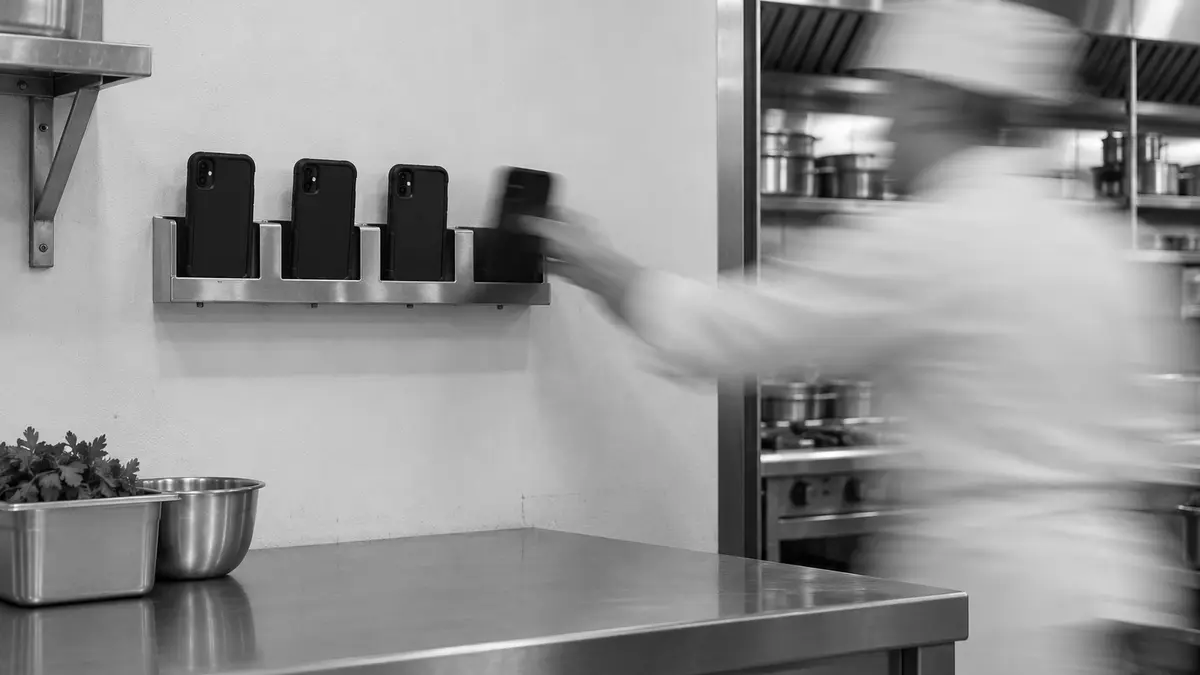
With Axtero Shift, staff collect their phone at a station. They identify themselves, the station shows them which iPhone to take, and that phone already has the work apps and access for their role.
At the end of the shift, they put the phone back. Axtero Shift erases it and prepares it again, so the next person starts with a freshly set up phone. Staff can identify themselves with a badge, a QR code, a PIN or another method. We set up the method that fits your process.
Knowing who had which phone
The handover log records who took each iPhone and when it was returned. If a phone goes missing, you can see who had it last. Because the log is a record about your staff, we agree with you who can see it, how long it's kept and whether your employee representatives need a say.
The phones sit in a dock, tray or hub, which charges them and gives them a data connection. Axtero Shift wipes the data. Cleaning the phones themselves stays part of your own hygiene routine.
Allow time for the reset
Erasing a returned iPhone and enrolling it again takes a while. In our lab test in June 2026, it took a median of 9 minutes. This happens after the phone comes back and before the next person asks for one. It matters most at shift change, when many phones come back at once and the next shift needs them soon after. Your own time depends on your network, your apps and your configuration. Use the pilot to measure the whole process on your setup, and size the pool so it copes with overlapping shifts and with a reset that fails.
Axtero Shift can prepare several iPhones at the same time. Each station runs on its own. If one fails, the other stations can still work, and phones already in use stay in use.
What your systems need
The iPhones need iOS 17 or later, because that's the first version with Return to Service. They also have to be enrolled through Automated Device Enrollment in Apple Business. Each station runs on a Mac with a charging and sync connection to the phones. The network has to let each phone reach Apple's services, your MDM and your work apps for the whole time it's setting itself up.
Your MDM needs an API. Through that API, it has to reassign an iPhone to a new user without erasing or re-enrolling it. That's how a phone that's already prepared becomes the next person's phone. Your MDM also has to support Return to Service, so an erased iPhone can enrol again without anyone tapping through setup. The technical page lists which systems are compatible and where the limits are. Before we propose an integration, we check the interfaces your current systems already have.
Sources
Try Axtero Shift for three months
Axtero Shift is in Preview. Apply for a three-month pilot with your own team, and we'll set it up around the way your shifts work.
Get new articles by email
Related articles
Managing shared iPhones between staff
iPad has Shared iPad, which gives each person their own session on the device. iPhone has nothing like it. To pass an iPhone from one person to the next, you either sign them out of every app or erase the phone and set it up again. Whichever you choose, test the whole handover before staff depend on it.
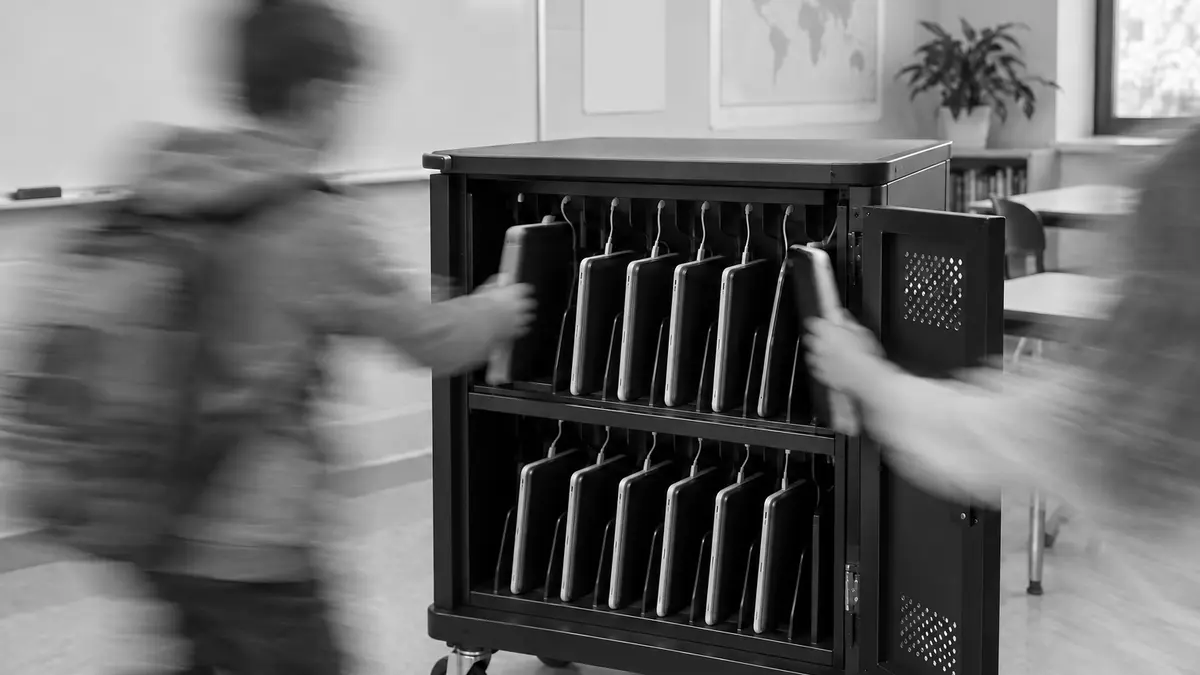
Choosing a sharing model for iPad
Shared iPad lets several people use one iPad, each in a separate session. It runs only on supported, supervised iPads. Whether you choose named or temporary sessions depends on the apps your staff use and the data they need to keep.
