
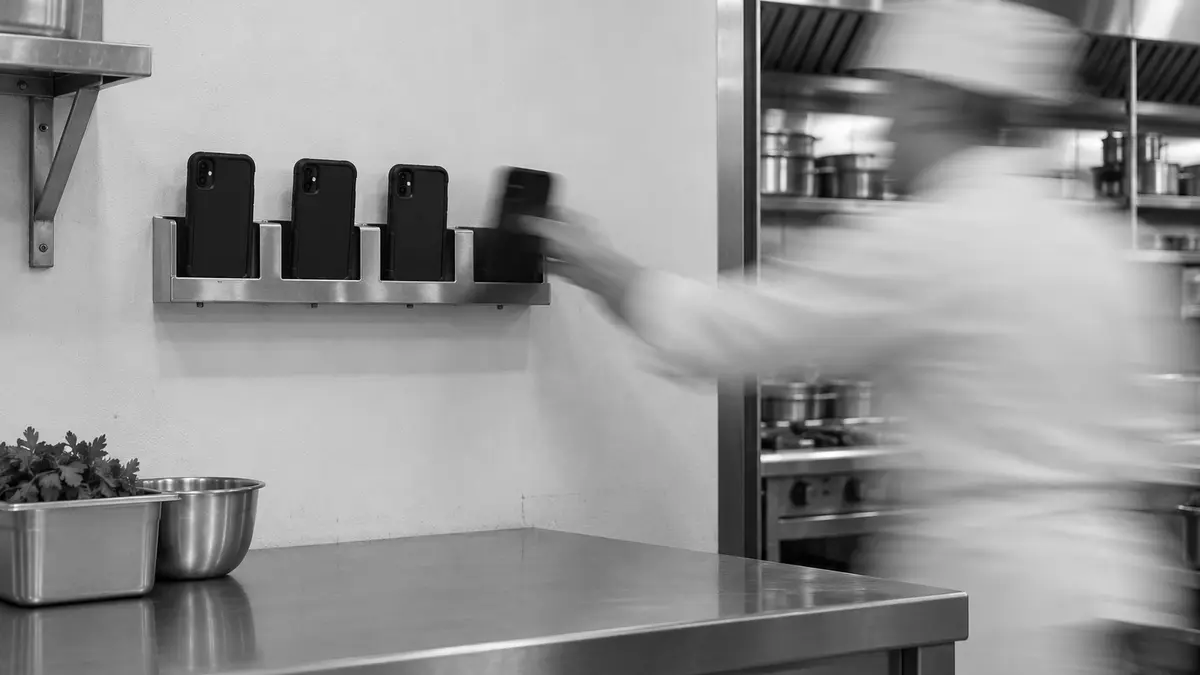
Managing shared iPhones between staff
iPad has Shared iPad, which gives each person their own session on the device. iPhone has nothing like it. To pass an iPhone from one person to the next, you either sign them out of every app or erase the phone and set it up again. Whichever you choose, test the whole handover before staff depend on it.
In short
- Check that each person signs in to every business app as themselves, so each app records who did what.
- After a handover, check that nothing from the last person is left in the apps or the browser.
- Plan for charging, shift overlap, spare phones and resets that fail.
Decide where one person's session ends
Start by writing down what each shift does on the phone. Note which apps people use, which accounts they sign in with and what data they create. Include browser sessions, downloads, photos and notifications, because each of them can hold something the next person shouldn't see. Then decide what has to stay and what has to go. Work that has to be kept belongs in a business system, where it survives the handover. Everything else has to leave the phone before the next person picks it up.
Staff can share one passcode to unlock the phone. In each business app, every person needs to sign in with their own account, so the app knows who is using the phone. Test that sign-in in every app, and check that the app's audit trail shows each person's actions separately.
Sign people out of apps that support it
With Microsoft Entra shared device mode, a person signs in once and the apps that take part in the mode use that sign-in. When they sign out, those apps sign them out too. This only works for apps that support the mode, and each app has to clear its own user data at sign-out. Check cached tokens and cached business data separately, because an app can sign a person out and still hold on to their data.
The Microsoft SSO plug-in doesn't clear Safari for you, so the last person's web sessions can still be open. Test the sign-out in the browser and in every app your staff use. If an app doesn't support the mode, keep it out of the handover, or give it a cleanup step of its own and check that the step works.
Erase and re-enrol with Return to Service
The other route is to erase the iPhone between people. Apple's Return to Service erases the user data and then enrols the phone in your MDM again automatically. Your MDM has to support it. Before you use it at shift change, test that the phone gets onto the network during setup, receives the right enrolment settings and gets its apps.
From iOS 26, Return to Service can keep the managed apps installed through the erase, in configurations that support it. The data in the apps is still erased, but the apps don't have to download again. This needs a correctly prepared snapshot and a bootstrap token escrowed with your MDM. Apps you add after the snapshot are not kept. In this mode, software and app updates have to be applied during the reset and enrolment.
Test the handover with two people
Go through a full shift change. Sign in as the first person and use the phone the way staff do. Work in the business apps, take a photo, download a file and sign in to a website. End the shift and run the cleanup you chose. Then sign in as the second person and look for anything left over in the apps, files, photos, browser sessions and notifications. Check the other direction as well. The work the first person saved should still be there, in the business system it belongs in.
Then run the test again after an interrupted sign-out, a failed reset and a network outage. Also give staff a way to tell a phone that's ready from one whose handover didn't finish.
Run the pool of phones
Work out how many phones are in use at the busiest moment of the day. Then add phones for shift overlap, for phones still on the charger and for spares. Measure how long a handover takes with your own apps on your own network, since that time decides how many phones are out of use at each shift change. Your routine also needs to say who cleans the phones, what happens when one goes missing, and how phones are maintained and replaced.
Axtero Shift is our product for managed iPhone handovers, currently in Preview. If you consider it, put it through the same app and data-separation tests as any other method before you adopt it.
Once we know which apps your staff need and how your shifts change over, we can go through how to test the handover with you.
Get new articles by email
Related articles
Choosing a sharing model for iPad
Shared iPad lets several people use one iPad, each in a separate session. It runs only on supported, supervised iPads. Whether you choose named or temporary sessions depends on the apps your staff use and the data they need to keep.

Managing Apple devices in healthcare
An iPad or iPhone used in patient care has to fit the way nurses and doctors work, and it has to keep patient information away from anyone who shouldn't see it. You only know it does both once you've tested sign-in, handover, Wi-Fi and what happens when a device fails, together with the staff who use it.
