

1Password for your business
Keep your team's business logins in one place, where each person sees the ones they need. We set up 1Password, move your existing passwords in and help your team get used to it.
This fits if you...
Have no company password manager yet, or want to replace the one you use
Want people to use shared accounts without passing the password around
Need to know who can open which account when someone joins, changes role or leaves
How we set up 1Password
Before we handle any of your passwords, we agree with you which vaults you need, who gets access and what we move.
We plan the vaults and groups with you, and decide who owns each shared account.
We move your existing passwords into 1Password from the places you choose.
We turn on the security and sign-in settings your 1Password plan supports.
We bring each person on board, check they can open what they need and set up account recovery.
We show whoever runs 1Password how to add new people, remove leavers and get support.
Someone needs the login for a shared account, so they ask in the team chat and a colleague pastes it in. Over time the same password sits in the chat history, in several personal browsers and in a document somewhere.
We're a 1Password partner, and we set it up for you. After that, 1Password fills in passwords on each person's Mac, PC or phone, and logins stop going round the team chat. When someone leaves, 1Password shows you which shared vaults they could open, and you remove them there.
Features
Encrypted vaults for passwords, passkeys and secure notes
Shared vaults, with access set by group
Sharing logins through 1Password
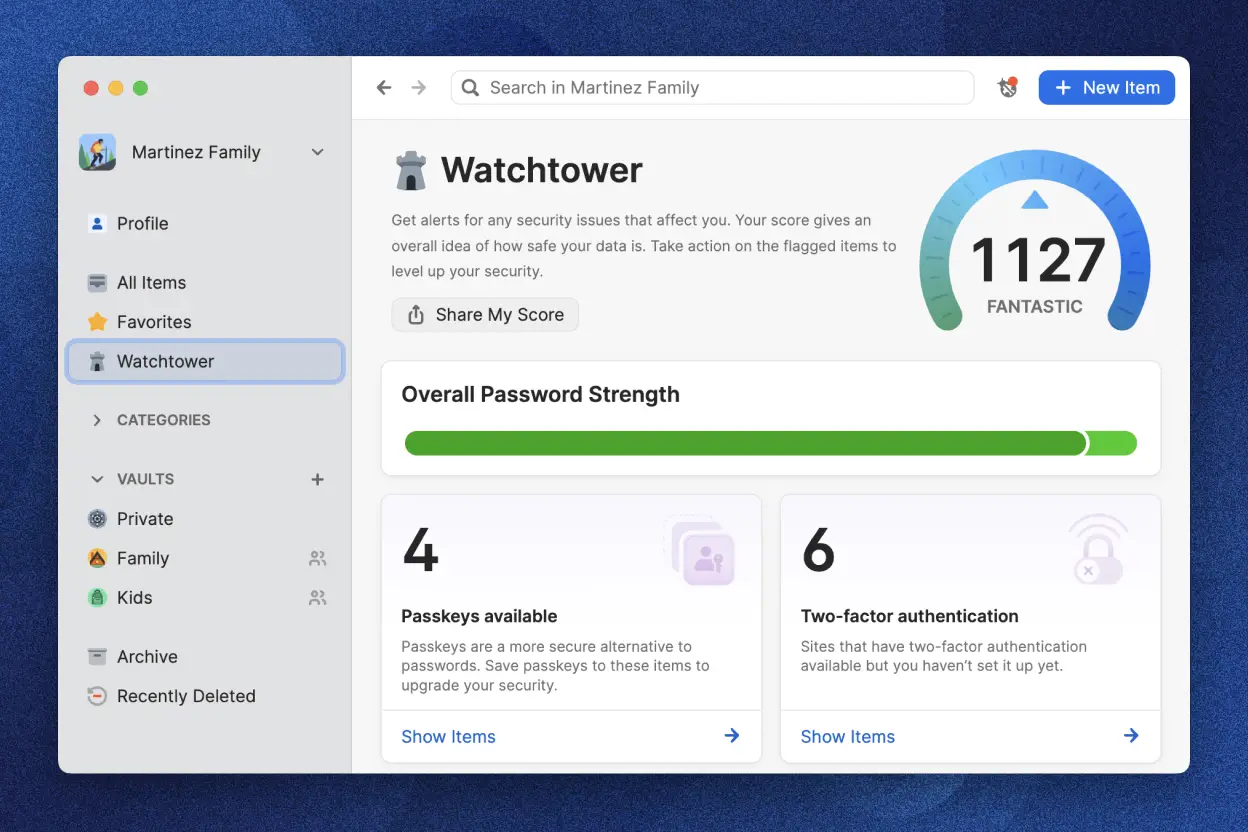
Policies, reports and Watchtower for admins
Optional single sign-on and user sync with your identity provider, where supported
Moving your existing passwords into 1Password
Adding new staff and removing leavers
Ongoing administration and support, if you want it
Problems we fix
When a shared password sits in several places, it's hard to tell which copy is current or who else has it.
Someone can't find the current password, resets it, and everyone else's saved copy stops working.
Several people share one login, so you can't tell who can get into which business system.
When someone leaves, cutting off their access relies on a colleague remembering every password and permission they had.
Useful links
Questions about 1Password
Move your team's shared logins out of the chat and into 1Password
Tell us what you use today, and we'll say which tool fits and what setting it up would involve. The call costs nothing and takes half an hour.
Related services
- Plan security & complianceCheck your Macs, iPhones and iPads against your security rules and get evidence your security team and auditors can use.
- Connect sign-in & accessYour team signs in to their Mac and work apps with their company account. We test the setup for the day someone starts and the day someone leaves.
