Workspace ONE setup for your mixed device fleet
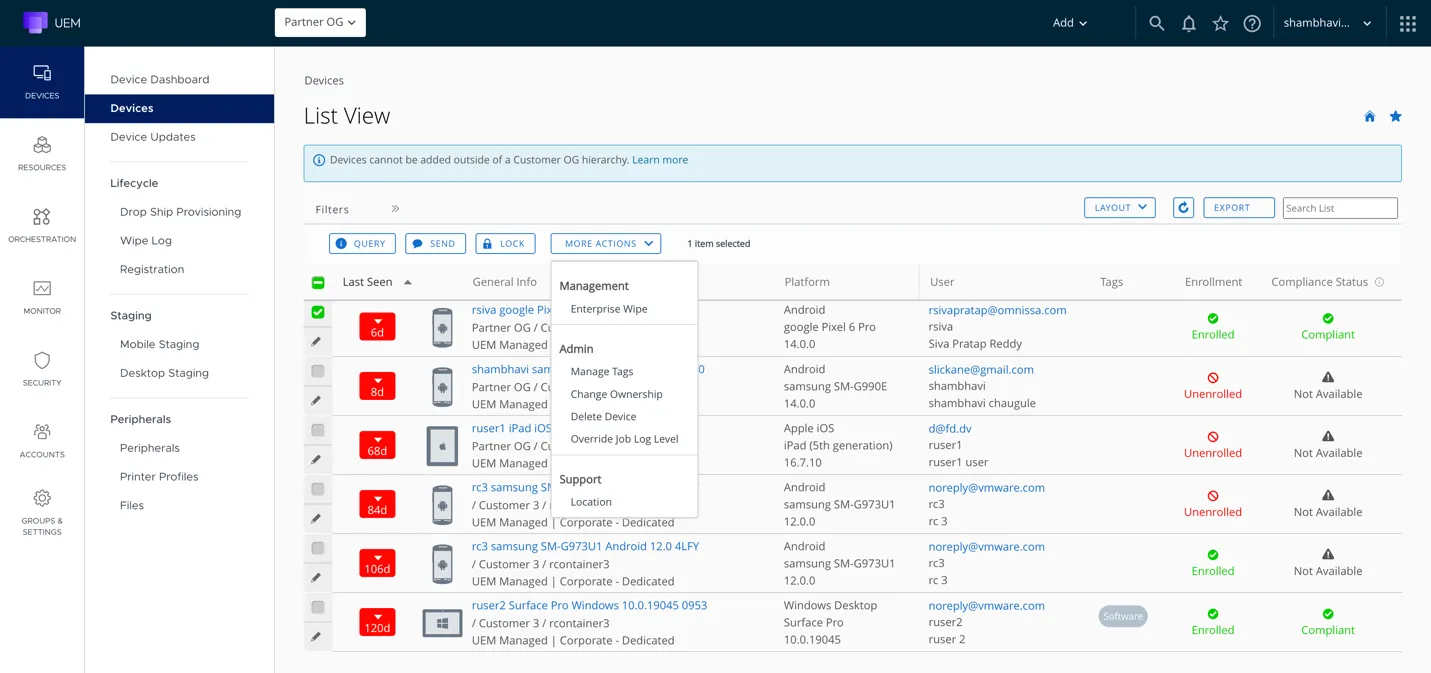
We set up Workspace ONE so your Macs, Windows PCs and mobile devices are managed from one console, each with the enrolment, apps and settings its platform needs. If your team knows Workspace ONE mainly from Windows, we take care of the Apple side, which is our speciality.
Problems we fix
Macs that fall behind on updates
People click “Later” until half the office is on an old macOS. Since macOS 27, Macs ignore the old MDM update commands and deferral settings, so update rules built on them have quietly stopped doing anything. We move them to declarative device management and check that the updates install.
Returned Macs locked to someone else's Apple Account
Someone leaves and hands back their MacBook. You erase it for the next person, and it asks for the Apple Account password of the person who left. We check whether the account owner, your MDM or Apple Business can remove the lock. If no recovery route is available, Apple may require proof of purchase. We register your Macs in Apple Business and set them up so the company can remove the lock itself.
When Workspace ONE fits
You check your Windows, Apple and mobile devices in separate consoles today and want them in one.
You're planning a Workspace ONE rollout, or you already run it and want a specialist to go over the setup.
Workspace ONE has to work with your identity provider and your other business systems.
What we do in a Workspace ONE project
We start by listing your platforms, how each one will enrol and what it depends on. Then we set up and test each platform you've asked us to cover.
We look at your licences, your device list, the integrations you need and your tenant if you already have one.
We set up enrolment, device groups and profiles, and assign the apps each group needs.
Before rollout, we test setup, app delivery and your access rules on pilot devices.
We write down where the platforms differ, who on your team administers what, and the rollout plan.
Axtero Managed IT
Day-to-day Workspace ONE administration can be part of Axtero Managed IT, at a fixed monthly price. You can buy the licences from us as well.
Day-to-day administration
We look after groups, profiles and app assignments, and make the changes your team asks for.
Support for your people
Your people bring their device questions to us.
Custom setup
We look at which connections your staff and admins need. What's possible depends on the platform, your licence and the system on the other end.
What we can set up
Device groups and profiles for each site, team and device role.
App assignments and Intelligent Hub setup.
App delivery and device admin tasks, where the platform supports them.
Connections to your identity, inventory and access systems, tested before go-live.
Our credentials for this platform
 Silver PartnerOmnissa
 Solution ResellerOmnissa
 Certified Engineer
Workspace ONEOmnissa Certified Administrator
Workspace ONEOmnissa
Questions about Workspace ONE
Planning a Workspace ONE rollout, or reviewing the one you run?
Tell us what you use today, and we'll say which tool fits and what setting it up would involve. The call costs nothing and takes half an hour.
