
Iru setup for your apps and devices
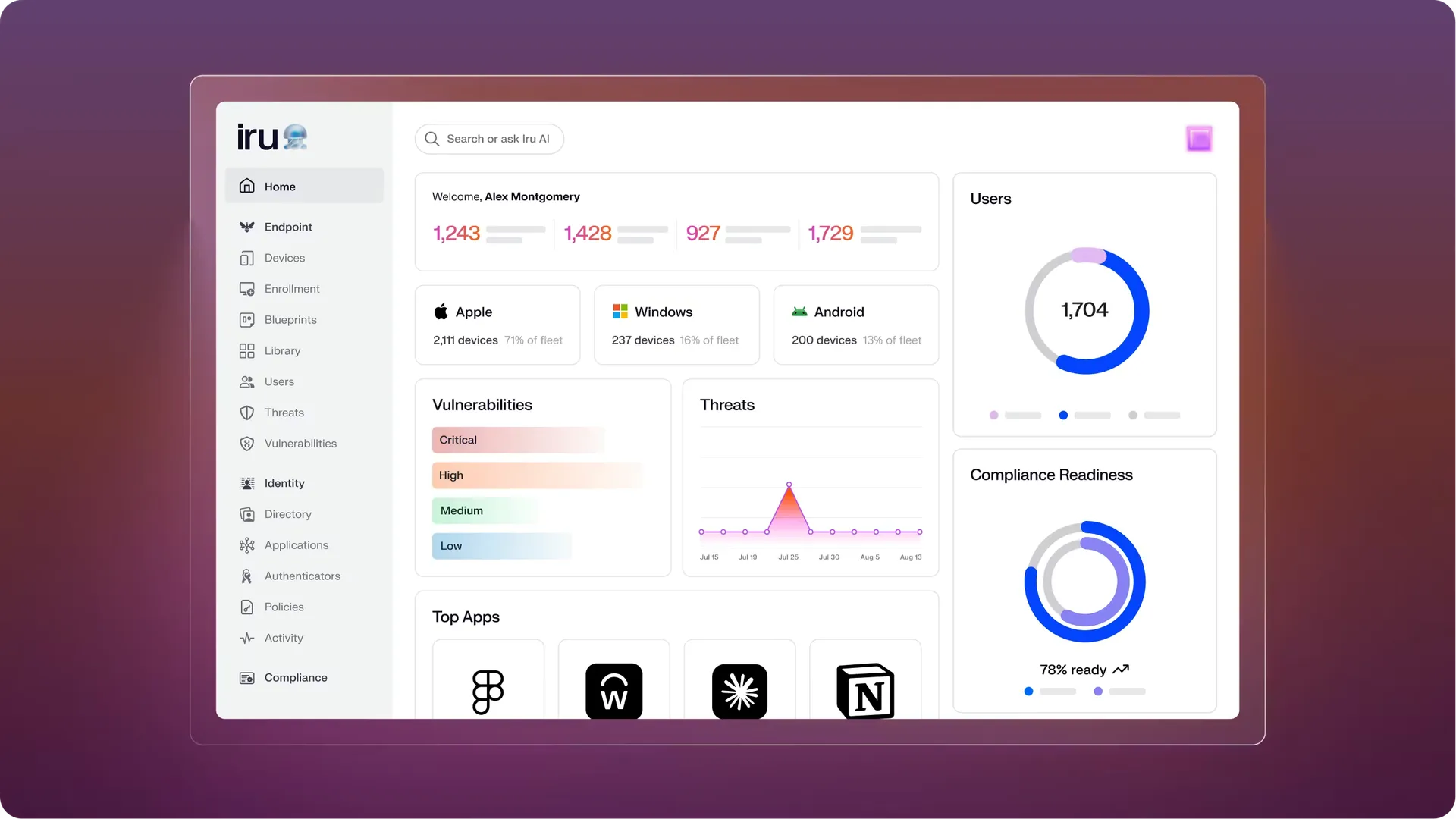
Iru manages Apple, Windows and Android devices. We set it up so people install approved apps from Self Service without waiting for IT, and new devices get their apps and settings once they're enrolled.
Problems we fix
Macs that fall behind on updates
People click “Later” until half the office is on an old macOS. Since macOS 27, Macs ignore the old MDM update commands and deferral settings, so update rules built on them have quietly stopped doing anything. We move them to declarative device management and check that the updates install.
Returned Macs locked to someone else's Apple Account
Someone leaves and hands back their MacBook. You erase it for the next person, and it asks for the Apple Account password of the person who left. We check whether the account owner, your MDM or Apple Business can remove the lock. If no recovery route is available, Apple may require proof of purchase. We register your Macs in Apple Business and set them up so the company can remove the lock itself.
When Iru fits
Your IT team keeps installing apps for colleagues and setting up new devices by hand.
You're comparing Iru with other device management tools before you buy.
You already use Iru and want help to improve how it's set up.
How we set up Iru
Iru can do different things on a Mac, a Windows PC and an Android phone. Before we plan anything, we check what it can do on the devices and apps you have.
We check which devices the company owns, which apps each team needs, your Iru licences and how people sign in today.
We set up enrolment, assign apps and settings to each team, set how updates install and pick with you which apps appear in Self Service.
Pilot users on each platform set up a device and check their apps arrive, before everyone else gets the new setup.
Your IT team gets a written record of which apps and settings go to which devices, and which support tasks they look after.
Axtero Managed IT
We can look after Iru for you as part of Axtero Managed IT. You pay a fixed monthly price.
Apps kept up to date
We keep your apps and Self Service current and look after the devices.
Answers for your team
When something on a device doesn't work, your people ask us.
Custom setup
We build Iru around the way your teams work.
What we can set up
Assignment Maps that decide which team gets which apps and settings.
Auto Apps, so supported apps update by themselves.
Scripts for the jobs you want automated, where the platform supports them.
Security settings, rolled out one group of devices at a time.
Questions about Iru
We can supply Iru and set it up for you
Tell us what you use today, and we'll say which tool fits and what setting it up would involve. The call costs nothing and takes half an hour.
